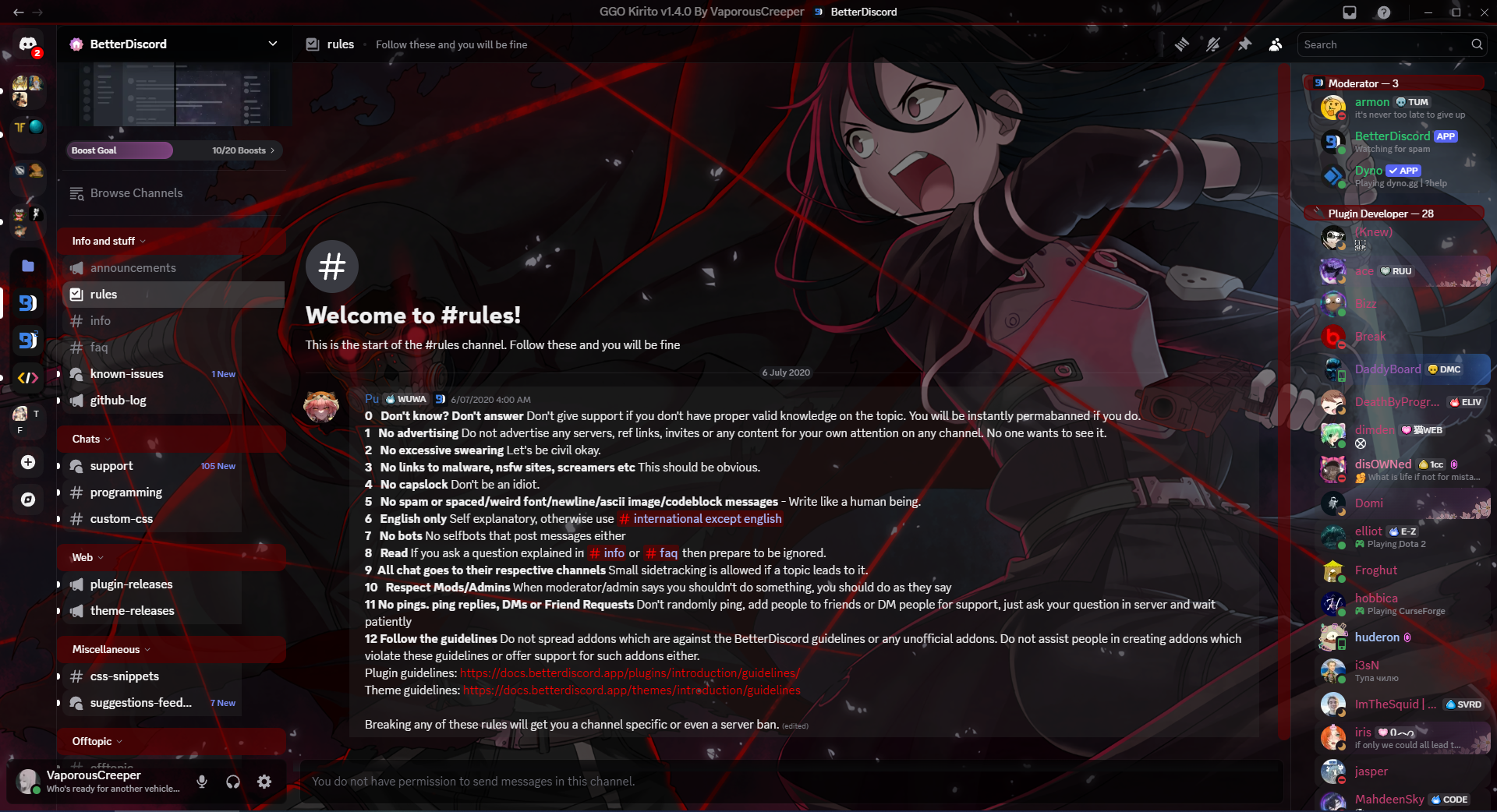
There is 2 methods of downloading this theme, Direct download and Save Page As.
Betterdiscord themes and plugins can now be directly download the website.
Link: https://betterdiscord.app/theme/GGO%20Kirito
This method is used when you're downloading this theme from here, my github repo, and you don't want to waste your time downloading the entire repo.
- Click on the file called
GGO_Kirito.theme.css. - Click on the button called
Rawat the top right of the file. - Right click anywhere on page and Click
Save Page As. - Now you can navigate to your themes folder and save it there but for this procedure, just save it to your
Downloadsfolder for now, we'll move it later in the Installation. - Make sure that the file name ends with
.theme.cssotherwise BBD will NOT pick it up. - Make sure that the
Save as typeis set toAll filesbefore clicking save. - You can now click
Saveand you can now move on to Installation .
You can use this method is install other themes or plugins.
- Head to your folder where you've downloaded your theme on step 4 in Download procedure, Method 2.
- Copy your theme you've downloaded.
- Navigate to
C:\Users\USERNAME\AppData\Roaming\BetterDiscord\themesand paste your theme here. - You've now installed your theme and you can now safely close the window. Enjoy.
Background Img: https://images.alphacoders.com/632/632525.png
The items above are not owned by me. They go to their respected owners